Beyond the Screen: Essential Checks for a Used EV's Infotainment & Connectivity in the UK
When you’re eyeing up a used electric vehicle (EV) in the UK, your checklist is likely dominated by battery health, charging capabilities, and the condition of the electric motor. And rightly so – these are fundamental. However, in the modern EV landscape, the infotainment system and its suite of connectivity features are no longer mere distractions; they are integral to the driving experience, range management, and overall enjoyment of your car.
A sophisticated infotainment system can enhance convenience, streamline navigation, and even improve efficiency by providing crucial real-time data. A faulty or outdated one, however, can quickly turn into a source of frustration, potentially diminishing the very benefits an EV offers. For a used EV, these digital elements can have a hidden past, and it’s crucial to perform thorough checks before you commit. Here at CarsLink.ai, we believe a detailed inspection of the digital heart of your prospective EV is just as important as kicking the tyres.
The Touchscreen Test: Your Digital Interface to the EV
The central touchscreen is the command centre of most modern EVs. It controls everything from climate and navigation to media and driving modes. Its condition and responsiveness are paramount.
First, assess its physical state. Look for any deep scratches, cracks, or signs of impact damage. Even minor blemishes can be costly to repair and detract from the cabin's appeal. Pay close attention to the anti-glare coating – is it peeling or worn in places?
Next, test its responsiveness and visual integrity. Navigate through various menus, swipe between screens, and tap different icons. Does it respond instantly, or is there a noticeable lag? Does it register every touch, or do you have to tap multiple times? Any stuttering, freezing, or slow loading times could indicate underlying software issues or an underpowered processor. Critically, examine the display for dead pixels, discolouration, or bright spots. A full white screen and a full black screen can help highlight these imperfections effectively. Ensure the screen brightness adjusts correctly and is legible in both bright daylight and at night.
Don’t forget any physical buttons or rotary dials that complement the touchscreen. Often, manufacturers retain these for essential functions like volume, temperature, or direct access to the home screen. Test each one for positive feedback and proper operation. While a quick reboot of the system (if possible) can sometimes clear minor glitches, persistent issues should raise a red flag. Always ask the seller if they’ve experienced any random reboots or system crashes during their ownership.
Seamless Connections: Bluetooth, Smartphone Integration & Navigation
Modern motoring relies heavily on connectivity, and for EVs, this extends beyond just playing your favourite tunes.
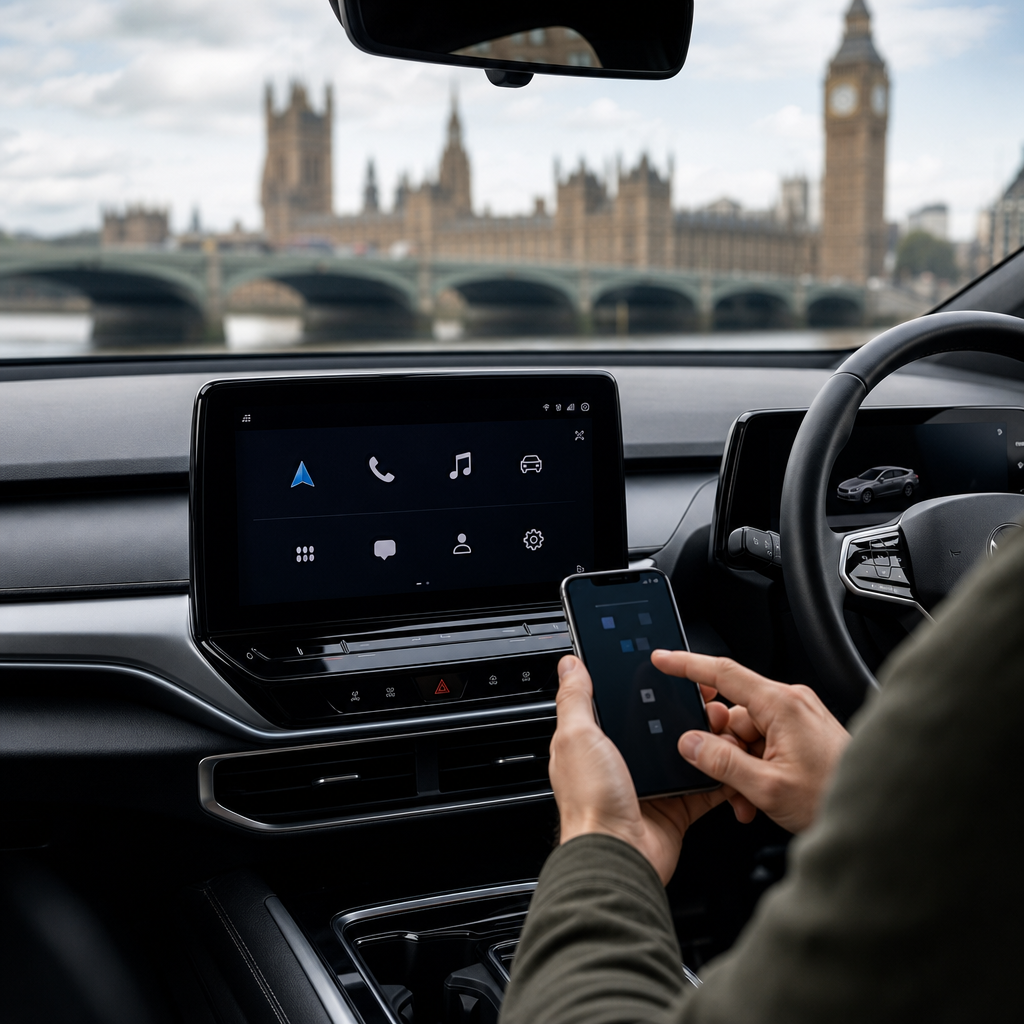
Bluetooth connectivity is a baseline requirement. Take a moment to pair your own smartphone. Confirm that it connects swiftly and stably. Test making a call to assess microphone and speaker quality, and stream some audio to ensure there are no drop-outs or distorted sound.
Apple CarPlay and Android Auto have revolutionised in-car connectivity, bringing your smartphone interface directly to the car's screen.
- Wired vs. Wireless: Determine if the system supports wired, wireless, or both. If wired, ensure the USB ports are functioning correctly and that your phone charges while connected. If wireless, check the connection stability.
- Functionality: Test core apps like Maps, Spotify, and WhatsApp. Do they load quickly? Is navigation fluid? Are calls routed correctly through the car’s system? Older software versions on some used EVs might not support wireless CarPlay/Android Auto, or might have compatibility quirks with newer phone operating systems.
- Stability: Drive for a short while with CarPlay/Android Auto active. Does it randomly disconnect? Is there any noticeable lag when interacting with apps?
Built-in Navigation is particularly important in an EV. It often integrates with the car’s battery management system, helping with range prediction and charging stop planning.
- Map Currency: Input a destination you know well – perhaps a recently opened road or a new housing development. Are the maps up-to-date? Outdated maps can be frustrating and costly to update.
- EV-Specific Features: Does the system show charging points? Can it filter by charger type (e.g., rapid DC, AC)? Does it provide real-time availability (this often requires a subscription)? Can it plan a route that includes necessary charging stops, optimising for battery state and charger speed? This is a fundamental EV feature that varies greatly in quality and reliability across manufacturers.
Beyond the Cabin: App Integration & Remote Services
Many modern EVs offer a suite of remote services via a smartphone app, providing invaluable convenience and control. These features are a significant selling point for EVs, so it's vital to know their status on a used model.
- Remote Control Apps: Does the EV support remote pre-conditioning (heating or cooling the cabin before you get in)? Can you remotely check charging status, lock/unlock doors, or locate the vehicle? Ask the seller to demonstrate these features with their own app if possible. This is the best way to confirm functionality.
- Subscription Services: A crucial point: many of these remote services are subscription-based. You need to clarify with the seller and the manufacturer whether these services are transferable to a new owner, what the ongoing costs are, and if the original subscription has expired. Some manufacturers offer a grace period, while others require immediate re-subscription. Without an active subscription, many of these "smart" features become defunct.
- Vehicle Data Access: The app often provides access to detailed vehicle data, such as battery health estimates, past driving efficiency, and charging history. This can be useful for monitoring the car's performance and health. Confirm that this data is accessible and appears consistent.
Understanding the transfer process and potential ongoing costs for these services is paramount. Don’t assume they'll work simply because the car is equipped for them.
The Future-Proof Factor: Software Updates
In the world of EVs, software is king. It can unlock new features, improve efficiency, enhance safety, and fix bugs. Understanding an EV’s software update capabilities is key to its longevity and 'future-proof' appeal.
- Current Software Version: Locate the current software version in the infotainment settings (usually under 'About' or 'Software Information'). Note it down. A quick online search can often tell you if this is the latest version for that model year.
- Update History: Ask the seller if they can provide any details on previous software updates the car has received. Sometimes these are documented in service history or accessible through the car’s system.
- Over-the-Air (OTA) Updates: Does the vehicle support OTA updates? Brands like Tesla, Polestar, and increasingly Volkswagen, Hyundai, and Kia offer this. OTA updates are convenient as they can be downloaded and installed at home, bringing regular improvements. If OTA is supported, ask how frequently updates are released and if there are any costs associated with them (usually not, but worth confirming).
- Dealership Updates: If the EV doesn't support OTA updates, software updates will typically need to be performed at a franchised dealership. Inquire about the process, frequency, and potential costs involved. Some updates might be included during routine servicing, while others might be charged separately.
- Impact of Updates: Software updates can significantly impact an EV's performance. They might include improvements to charging speed, battery management, motor efficiency (potentially leading to better range), new infotainment features, or even enhanced driver assistance systems. A car that has received regular updates is generally a better prospect than one running significantly older software.
- Longevity of Support: While difficult to predict definitively, it’s worth considering if there’s a general timeline for how long a manufacturer supports older models with software updates.
Conclusion
In today’s connected world, the digital health of a used EV is as crucial as its mechanical and electrical components. A comprehensive inspection of the infotainment system and connectivity features goes far beyond checking if the radio works; it delves into the very usability, convenience, and long-term enjoyment of the vehicle. By thoroughly testing the touchscreen, verifying connectivity, understanding app integration, and investigating software update capabilities, you'll gain a much clearer picture of your prospective EV's true value and future potential. Don't be afraid to take your time, ask plenty of questions, and utilise all features during your test drive. A well-functioning digital ecosystem will ensure your used EV delivers the seamless, smart driving experience you expect.