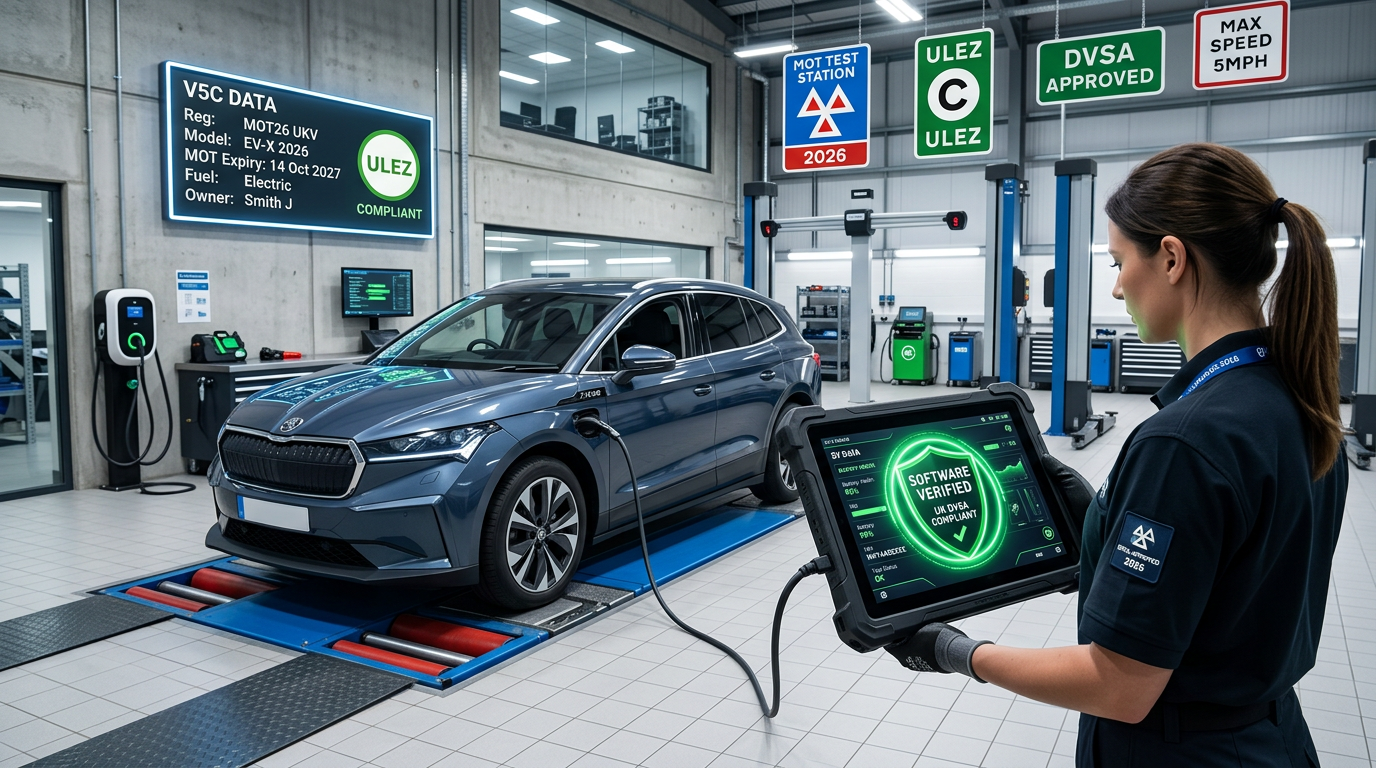
As we move further into 2026, the landscape of vehicle maintenance has shifted dramatically. Gone are the days when a pre-MOT check was purely about tyre depth and wiper blades. In the era of the Software-Defined Vehicle (SDV), your car’s digital health is now just as critical as its mechanical integrity.
With the Driver and Vehicle Standards Agency (DVSA) continuously refining inspection criteria to keep pace with modern technology, understanding how to manage Over-the-Air (OTA) software updates is essential for any UK motorist aiming for a first-time MOT pass.
The Shift: Why Software Now Matters for the MOT
In 2026, the MOT test has evolved to include more stringent checks on Advanced Driver Assistance Systems (ADAS). Features that were once high-end luxuries—such as Lane Keep Assist (LKA), Autonomous Emergency Braking (AEB), and Intelligent Speed Assist (ISA)—are now standard on most vehicles on UK roads.
A failure in the software governing these systems often triggers a warning light on the dashboard. Under current 2026 MOT rules, any persistent warning light related to safety systems or emissions is an automatic Major Failure. Because OTA updates frequently patch bugs in these systems or calibrate sensors, a missed update can be the difference between a certificate and a retest.
Understanding OTA Updates and Your V5C
Over-the-Air updates allow manufacturers to send functional and security patches directly to your car via its built-in SIM or your home Wi-Fi. While this is convenient, it introduces a new layer of responsibility for the owner.
When you check your V5C logbook, you’ll notice that newer Euro 7 compliant vehicles have specific digital signatures. If your vehicle’s software version is significantly out of date, it may no longer meet the emissions or safety profiles recorded by the DVLA. This is where connected car maintenance becomes vital.
2026 MOT Prep: The Software Checklist
To ensure your car is ready for its appointment, follow this 2026-specific digital checklist:
1. Clear the "Pending Update" Queue
Before booking your test, check your infotainment system for "System Updates." If an update has been downloaded but not installed, it may be suppressing a fault code or causing a system to operate in a "limp" or "safe" mode. Ensure all updates are fully installed at least 48 hours before the MOT.
2. Monitor ADAS Calibration
Software updates often recalibrate cameras and radar. If you’ve recently had a windscreen replacement or a minor bump, ensure the software has been updated to reflect the new hardware alignment. At CarsLink.ai, we recommend checking your manufacturer's app for any "Service Actions" that might not trigger a full recall but are necessary for system accuracy.
3. Check for "Stuck" Updates
Sometimes, an OTA update can fail due to poor signal or a low 12V battery. A failed update can leave a "ghost" fault code in the ECU. Even if the car drives fine, an MOT tester's OBD-II (On-Board Diagnostics) scanner might flag a "U-code" (Network Communication error), leading to further investigation.
Comparing Software vs. Hardware Failures
| Component | Hardware Issue (Traditional) | Software Issue (Modern) | MOT Status |
|---|---|---|---|
| Brakes | Worn pads/discs | ABS/ESC algorithm error | Fail |
| Headlights | Blown bulb | Matrix LED control glitch | Fail |
| Emissions | Leaking exhaust | O2 sensor mapping out of date | Fail |
| Steering | Play in the rack | Lane Keep Assist sensor lag | Fail |
The Role of the 12V Battery in OTA Success
A common reason for OTA update failures in 2026 is the health of the 12V auxiliary battery. Even in Battery Electric Vehicles (BEVs), the 12V system powers the ECUs during an update. If your battery is weak, the car may "reject" an update to prevent it from dying mid-process. Replacing an ageing 12V battery is now a core part of car software service and prep.
ULEZ, Road Tax, and Software Integrity
With the expansion of Clean Air Zones (CAZ) and the 2026 revisions to road tax (VED) for electric vehicles, ensuring your software is managing energy and emissions efficiently is financially prudent. An unpatched engine management system could lead to increased CO2 output on hybrids, potentially pushing you into a higher tax bracket upon your next renewal or failing a tailpipe test.
Common PITFALLS: What to Avoid
- Updating on the morning of the MOT: Some updates take 45–90 minutes and can temporarily disable the car. Never start an update in the test centre car park.
- Ignoring manufacturer 'Service Campaigns': Not all fixes are "recalls." Some are "Customer Satisfaction Program" updates that fix intermittent sensor glitches. These are often required for a clean MOT pass.
- Third-party "Chipping" or Mapping: In 2026, the DVSA's diagnostic tools are better at detecting "non-standard" software. If your ECU map interferes with emissions or safety systems, you will fail.
Professional Digital Health Checks
If you are unsure about your car's digital status, many UK garages now offer a "Digital Health Check" alongside a traditional service. This involves a full sweep of the vehicle's modules using manufacturer-grade diagnostic tools to ensure every node in the network is communicating correctly.
Using tools like CarsLink.ai can help you keep track of your vehicle’s service history and remind you when these critical software-centric checks are due, ensuring you stay ahead of the DVSA requirements.
Summary
The 2026 MOT isn't just a physical inspection; it’s a validation of your car’s digital "brain." By staying proactive with over-the-air updates UK, monitoring your dashboard for software-related alerts, and ensuring your 12V battery is in peak condition, you can navigate the modern MOT with confidence.
Are you ready for your next MOT? Visit CarsLink.ai today to track your vehicle's maintenance schedule, find local software-specialist garages, and ensure your connected car stays road-legal and safe.